Top Laptop Recommendations for 2026: Complete Guide to Best Laptops for Every Budget and Need
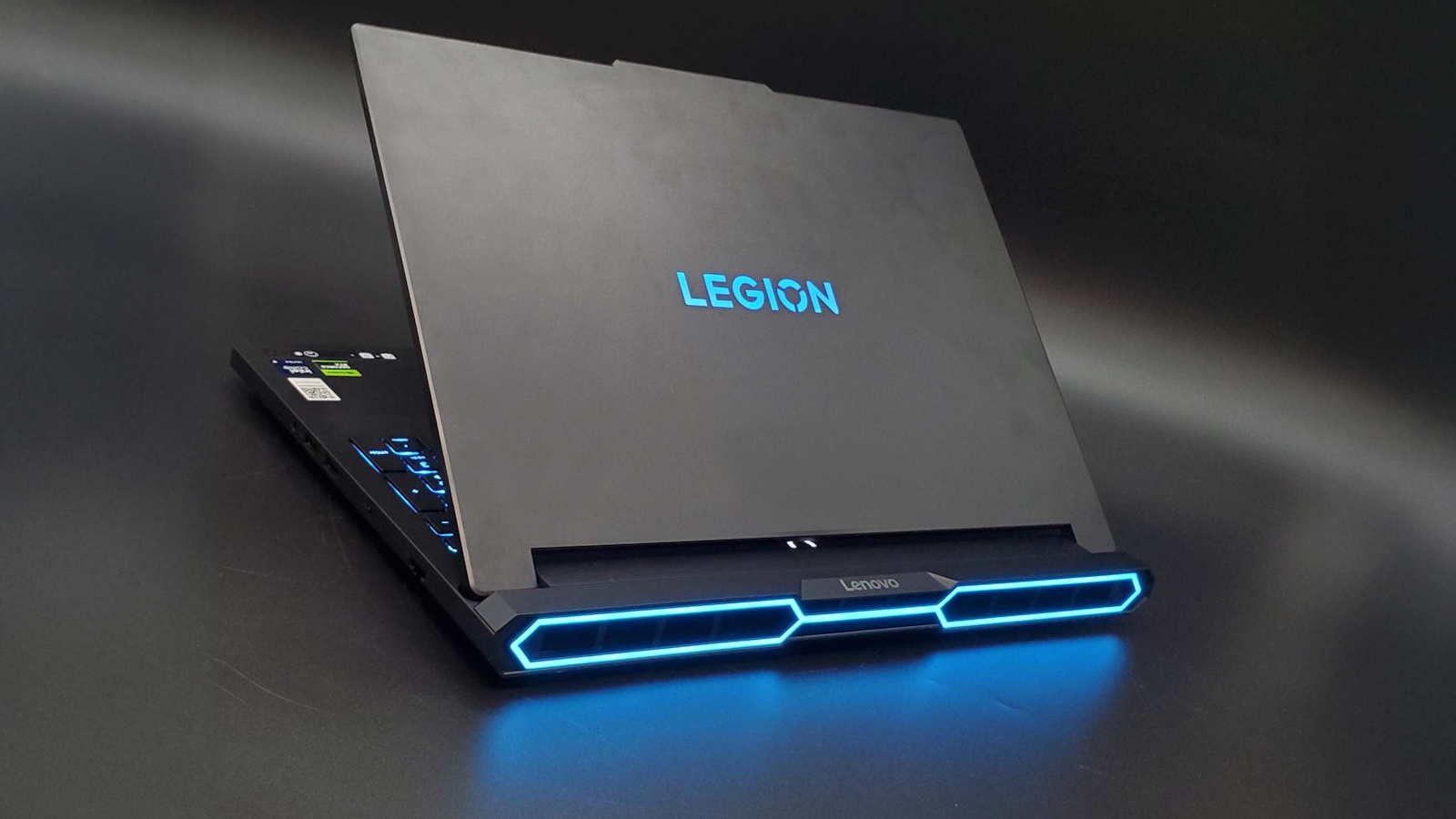
Table of Contents
- Introduction: The Laptop Landscape in 2026
- How to Choose the Right Laptop
- Premium Gaming Laptops: Ultimate Performance
- Best Business and Professional Laptops
- Content Creation Powerhouses
- Premium Ultrabooks and Portable Laptops
- Best 2-in-1 Convertible Laptops
- Budget Gaming Laptops Under $1000
- Affordable Mid-Range Laptops from AliExpress
- Student Laptops: Best Value for Education
- Key Specifications Explained
- Future-Proofing Your Laptop Purchase
- Conclusion: Finding Your Perfect Match
- FAQ
Introduction: The Laptop Landscape in 2026
The laptop market in 2026 has reached an unprecedented level of sophistication, diversity, and performance capability. Whether you’re a professional seeking uncompromising productivity, a gamer demanding cutting-edge graphics, a creative professional requiring rendering power, a student balancing performance with affordability, or simply someone needing reliable everyday computing—there’s a laptop engineered specifically for your needs and budget.
The technological leaps defining 2026’s laptop landscape are remarkable: Intel’s 15th generation Core processors and AMD’s Ryzen 8000 series deliver desktop-class performance in portable form factors, NVIDIA’s RTX 50-series and AMD’s RX 8000M mobile GPUs bring real-time ray tracing and AI-enhanced graphics to gaming laptops, OLED and Mini-LED displays with 4K resolution, 120Hz+ refresh rates, and HDR support are becoming standard in premium segments, DDR5 RAM and PCIe Gen 5 SSDs provide unprecedented speed and responsiveness, AI-powered features optimize battery life, performance, and user experience automatically, Wi-Fi 7 connectivity delivers multi-gigabit wireless speeds, and battery technology improvements enable 15-20+ hours of real-world usage in efficiency-focused models.
Yet this abundance of choice creates a paradox: more options make decisions harder, not easier. The gap between entry-level and flagship models has widened dramatically—budget laptops under $500 coexist with gaming behemoths exceeding $5,000. Marketing claims obscure actual performance differences. Specifications that look impressive on paper don’t always translate to real-world benefits. And most frustratingly, many buyers either overpay for features they’ll never use or underbuy and face immediate limitations.
This comprehensive guide eliminates confusion by providing clear, actionable recommendations across every price point and use case. We’ll explore flagship laptops representing the absolute pinnacle of performance regardless of price, premium mid-range options balancing performance and value, budget-friendly laptops from AliExpress offering surprising capability at accessible prices, and category-specific recommendations for gaming, business, content creation, student use, and portability.
While the following demonstration highlights the top laptop picks for 2026, the real performance secrets and buying strategies lie in the exclusive details found further down in this article—insights you likely haven't discovered yet:
Our recommendation philosophy:
We prioritize real-world performance over specifications alone—benchmarks matter, but daily usability matters more. We emphasize value at every price point—the best laptop isn’t necessarily the most expensive; it’s the one that best matches your needs and budget. We provide honest assessments of trade-offs—every laptop makes compromises; understanding them prevents buyer’s remorse. We include accessible options—premium flagships get attention, but we equally emphasize affordable alternatives that deliver excellent value. And we focus on 2026-relevant technology—our recommendations reflect current standards and near-future needs, not outdated specifications.
Whether your budget is $400 or $4,000, whether you prioritize gaming frame rates or battery life, whether you need desktop-replacement power or ultraportable convenience—this guide provides the knowledge and specific recommendations you need to make a confident, informed laptop purchase in 2026.
Let’s find your perfect laptop.

1. How to Choose the Right Laptop
Before exploring specific recommendations, understanding the key factors differentiating laptop categories ensures you focus on models matching your actual needs rather than being swayed by impressive but irrelevant specifications.
Define Your Primary Use Case
Your laptop’s primary purpose determines which specifications matter most:
Gaming: Prioritize powerful discrete GPU (RTX 4060+ or RX 7700M+), high-refresh display (144Hz minimum, ideally 165Hz or 240Hz), adequate cooling system, 16GB+ RAM, and fast SSD storage. CPU is important but secondary to GPU for gaming performance.
Business/Productivity: Emphasize build quality and reliability, comfortable keyboard for extended typing, excellent battery life (10+ hours), professional design aesthetic, strong security features (fingerprint reader, TPM 2.0), and adequate performance (mid-range CPU, integrated graphics sufficient for most business tasks).
Content Creation: Require powerful multi-core CPU (12+ cores preferred for video editing), dedicated GPU with CUDA/OpenCL support, 32GB+ RAM for professional workflows, color-accurate display (100% sRGB minimum, ideally DCI-P3 or Adobe RGB), fast large-capacity SSD (1TB+ NVMe), and robust cooling for sustained performance.
Student Use: Balance portability with performance, sufficient battery life for full day of classes (8+ hours), durable build quality to survive daily transport, versatile performance handling research, document work, and entertainment, and affordable price fitting student budgets.
General Use/Web Browsing: Focus on battery life and portability, reliable performance for basic tasks, quality display for comfortable viewing, good audio for entertainment, and value pricing.
Understand the Form Factor Trade-offs
Traditional Clamshell Laptops: Standard design with best performance-to-price ratio, widest selection across all categories, and most robust cooling for sustained performance. Ideal for stationary or semi-portable use where performance matters most.
Ultrabooks: Ultra-thin (usually under 0.6 inches) and lightweight (under 3 pounds), premium build quality, excellent battery life, but limited performance compared to thicker designs due to thermal constraints. Perfect for professionals prioritizing portability and aesthetics.
2-in-1 Convertibles: Touchscreen with 360° hinge allowing tablet mode, versatile for note-taking and presentations, but heavier than traditional tablets and sometimes thermally limited. Great for students and professionals who benefit from pen input and flexibility.
Gaming Laptops: Thicker and heavier (4-7+ pounds) to accommodate powerful components and cooling systems, RGB lighting and aggressive aesthetics, shorter battery life (3-5 hours typical), but unmatched performance for demanding applications. Designed for users prioritizing performance over portability.
Budget Considerations
Understanding realistic expectations at different price points prevents disappointment:
Under $500 (Entry-Level):
- Expect: Intel Core i3/AMD Ryzen 3 or Celeron processors, 8GB RAM (4GB barely acceptable), 256GB SSD, integrated graphics, 1080p display, plastic build quality
- Good for: Basic web browsing, document editing, email, video streaming
- Limitations: Struggles with multitasking, no gaming capability, limited build quality
$500-$800 (Budget Mid-Range):
- Expect: Intel Core i5/AMD Ryzen 5, 8-16GB RAM, 512GB SSD, better build quality, integrated or entry-level discrete graphics
- Good for: Productivity work, light photo editing, casual gaming (older/indie titles), student use
- Limitations: Not for demanding creative work or modern AAA gaming
$800-$1,500 (Performance Mid-Range):
- Expect: Intel Core i5/i7 or AMD Ryzen 5/7, 16GB RAM, 512GB-1TB SSD, RTX 4050/4060 graphics (gaming models), quality displays, metal construction
- Good for: Serious gaming, professional work, content creation (entry-level), power users
- Limitations: Not flagship performance, some compromises on display or build quality
$1,500-$2,500 (Premium):
- Expect: Latest Intel Core i7/i9 or AMD Ryzen 7/9, 32GB RAM, 1TB+ SSD, RTX 4070/4080 graphics (gaming), OLED/Mini-LED displays, premium materials
- Good for: Professional content creators, serious gamers, professionals demanding best-in-class performance
- Limitations: Diminishing returns—not twice as good as mid-range despite double the price
$2,500+ (Flagship/Workstation):
- Expect: Absolute cutting-edge specifications, workstation-grade components, maximum RAM/storage, best displays available, premium build quality
- Good for: Professional workflows where time is money, competitive gaming, those who simply want the best
- Reality check: Most users won’t notice practical difference from well-chosen $1,500-2,000 laptop
Display: More Than Just Size
Resolution:
- 1080p (1920x1080): Minimum acceptable standard for 13-15” laptops, crisp enough for most uses, less demanding on GPU (better battery life and gaming performance)
- 2K/QHD (2560x1440): Sweet spot for 15-16” laptops, noticeably sharper than 1080p without extreme GPU demands
- 4K (3840x2160): Premium option for 17” laptops and content creators requiring maximum detail, significant GPU/battery impact
Panel Type:
- IPS: Standard for most laptops, good viewing angles, accurate colors, reasonable contrast
- OLED: Perfect blacks, infinite contrast ratio, vibrant colors, faster response times, but potential burn-in risk and lower peak brightness
- Mini-LED: Excellent HDR performance, high brightness, no burn-in risk, but more expensive than IPS
Refresh Rate:
- 60Hz: Standard, adequate for productivity and content consumption
- 120Hz: Noticeable improvement in smoothness, becoming standard in premium laptops
- 144Hz+: Essential for competitive gaming, diminishing returns above 165Hz for most users
Color Accuracy:
- sRGB coverage: 100% minimum for content creation, 95%+ acceptable for general use
- DCI-P3 coverage: Professional standard for video editing and color-critical work
- Adobe RGB coverage: Photography professionals requiring maximum color gamut
Battery Life Expectations
Manufacturer claims often exaggerate real-world performance. Realistic expectations:
- Ultrabooks/Business Laptops: 10-15 hours real-world (web browsing, office work)
- General Purpose Laptops: 6-10 hours real-world
- Gaming Laptops (Integrated GPU): 6-8 hours light use
- Gaming Laptops (Discrete GPU Active): 2-4 hours
- Workstation Laptops: 4-8 hours depending on workload
Battery capacity (measured in Wh) and efficiency (determined by CPU, display, and power management) both matter. A 90Wh battery with efficient components outperforms a 60Wh battery with power-hungry components.
Build Quality Indicators
Material:
- Aluminum unibody: Premium feel, excellent rigidity, good heat dissipation, but heavier and more expensive
- Magnesium alloy: Premium lightweight alternative, excellent strength-to-weight ratio, expensive
- Plastic: Budget option, can feel cheap, less rigid, but lighter and more affordable
Keyboard: Test before buying if possible. Key travel (1.5mm+ preferred), tactile feedback, and layout matter for productivity. Backlight is convenient but not essential.
Trackpad: Size matters (larger is generally better), precision and palm rejection quality crucial, glass surfaces provide best experience.
Port Selection: Consider your needs—USB-C/Thunderbolt 4, USB-A, HDMI, SD card reader, headphone jack. Gaming laptops often include Ethernet; ultrabooks sacrifice ports for thinness.
Shop on AliExpress via link: wholesale-laptop-computers
2. Premium Gaming Laptops: Ultimate Performance
For gamers who demand uncompromising performance and are willing to pay premium prices, 2026’s flagship gaming laptops deliver desktop-class gaming experiences in portable forms. These machines handle 4K gaming, high-refresh competitive play, VR, content creation, and streaming simultaneously.
ASUS ROG Zephyrus G16 (2026) - Best Overall Gaming Laptop
Specifications:
- Processor: Intel Core i9-15900HX (24 cores, 32 threads, up to 5.8GHz)
- Graphics: NVIDIA GeForce RTX 5080 (16GB GDDR7)
- Display: 16” 2560x1600, 240Hz, Mini-LED, G-SYNC, 500 nits, 100% DCI-P3
- RAM: 32GB DDR5-5600
- Storage: 2TB PCIe Gen 5 NVMe SSD
- Weight: 4.3 lbs (1.95 kg)
- Battery: 90Wh
- Price: ~$3,299
Why it’s exceptional:
The Zephyrus G16 represents the pinnacle of gaming laptop engineering—combining desktop-class performance with surprising portability. The RTX 5080 delivers consistent 4K gaming at high settings, averaging 60+ FPS in demanding titles like Cyberpunk 2077,_ Starfield_, and The Witcher 4. The 240Hz display ensures buttery-smooth competitive gaming in Counter-Strike 2,_ Valorant_, and Apex Legends.
What separates the Zephyrus from competitors is its thermal management—ASUS’s proprietary vapor chamber cooling and liquid metal thermal compound keep the i9-15900HX and RTX 5080 running at peak performance without thermal throttling. Even during extended gaming sessions, fan noise remains surprisingly civilized compared to similarly-specced competitors.
The 16:10 aspect ratio display provides more vertical screen real estate than traditional 16:9 panels—beneficial for productivity work between gaming sessions. The Mini-LED backlight delivers exceptional HDR performance with 2,048 local dimming zones, making single-player games with HDR support visually stunning.
Build quality is exemplary: The aluminum chassis feels premium and rigid, the per-key RGB keyboard offers excellent tactile feedback, and the trackpad is large and responsive. At 4.3 pounds, it’s remarkably portable for a gaming powerhouse—genuinely usable for work or school, then transforming into a gaming beast at [home](Home Decor Ideas for Small Spaces 2026: 4 Smart Solutions from AliExpress - Complete Transformation Guide!).
Trade-offs: Battery life during gaming is limited (2-3 hours), though light productivity work extends to 6-7 hours with the dedicated GPU disabled. The price is steep, and upgradeability is limited (soldered RAM).
Best for: Gamers who want desktop-class performance without sacrificing portability, content creators who also game, anyone seeking a true do-everything flagship laptop.
MSI Titan 18 HX (2026) - Maximum Gaming Power
Specifications:
- Processor: Intel Core i9-15980HX (24 cores, 32 threads, up to 6.0GHz)
- Graphics: NVIDIA GeForce RTX 5090 (24GB GDDR7)
- Display: 18” 3840x2400, 144Hz, Mini-LED, 1200 nits, 100% Adobe RGB
- RAM: 64GB DDR5-6000 (upgradeable to 128GB)
- Storage: 4TB PCIe Gen 5 NVMe SSD (RAID 0 configuration)
- Weight: 7.7 lbs (3.5 kg)
- Battery: 99.9Wh
- Price: ~$5,499
Why it’s exceptional:
The Titan 18 HX doesn’t pretend to be anything other than what it is: a desktop replacement that happens to have a battery. This is the most powerful gaming laptop money can buy in 2026, featuring NVIDIA’s flagship RTX 5090 with a full 175W TDP—the same GPU powering high-end desktop gaming PCs.
Performance is staggering: 4K Ultra gaming at 100+ FPS in most titles, professional 3D rendering capabilities rivaling workstations, 8K video editing without proxy files, and streaming/recording capabilities that would make dedicated streaming PCs jealous. The 18-inch 4K display with 144Hz refresh rate provides enormous screen real estate with desktop-class sharpness.
The cooling system is equally extreme—featuring seven heat pipes, triple fans, and four exhaust vents. Under full load, it sounds like a small jet engine, but it keeps these nuclear components from thermal throttling. The mechanical keyboard with Cherry MX switches provides desktop-class typing and gaming experience.
Upgradeability is a highlight: user-accessible RAM slots (supporting up to 128GB), three M.2 SSD slots, and easily removable back panel. This laptop can evolve with your needs over several years.
Trade-offs: Portability is non-existent—at 7.7 pounds plus the massive power brick (another 3+ pounds), this isn’t leaving your desk often. Battery life during gaming is measured in minutes rather than hours. The price approaches that of a high-end desktop gaming PC plus a quality laptop.
Best for: Professional content creators requiring maximum mobile computing power, gamers with unlimited budgets who want the absolute best, competitive streamers who need to game and stream simultaneously at maximum quality.
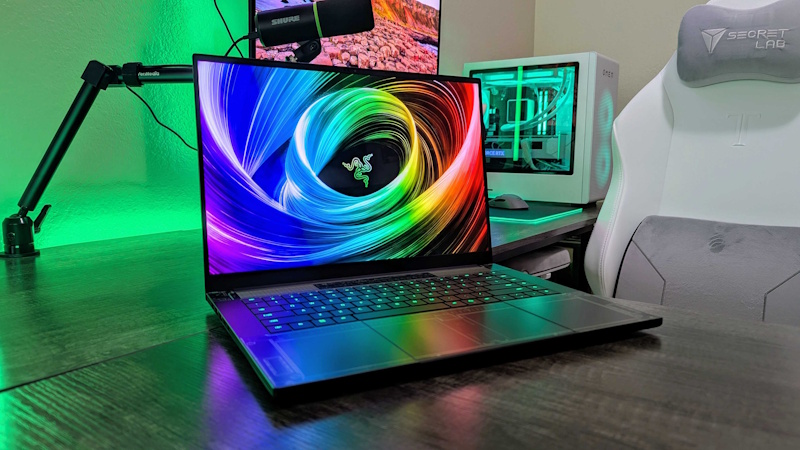
Razer Blade 16 (2026) - Premium Build Quality
Specifications:
- Processor: Intel Core i9-15900HX (24 cores, 32 threads)
- Graphics: NVIDIA GeForce RTX 5070 Ti (12GB GDDR7)
- Display: 16” 2560x1600, 240Hz, OLED, G-SYNC, 100% DCI-P3
- RAM: 32GB DDR5-5600
- Storage: 1TB PCIe Gen 5 NVMe SSD
- Weight: 5.4 lbs (2.45 kg)
- Battery: 95Wh
- Price: ~$3,199
Why it’s exceptional:
Razer’s design philosophy prioritizes understated elegance over aggressive gaming aesthetics—the Blade 16 could easily pass as a professional workstation laptop in business meetings, then transform into a gaming powerhouse at home. The CNC aluminum unibody chassis is impeccably constructed with zero flex, premium feel, and minimalist design.
The OLED display is the standout feature: perfect blacks, infinite contrast ratio, incredibly vivid colors, and near-instantaneous response times make both gaming and content consumption visually stunning. HDR content looks phenomenal, and the 240Hz refresh rate ensures competitive gaming remains smooth despite OLED’s typical refresh rate limitations.
Performance sits comfortably in the high-end territory without reaching desktop-replacement extremes—the RTX 5070 Ti handles 1440p gaming at high-ultra settings with 100+ FPS in most titles, 4K gaming at 60+ FPS with some settings adjustments, and professional content creation workflows efficiently.
Razer’s Synapse software provides comprehensive control over RGB lighting (including Chroma integration with games), performance profiles, and per-key macros. The keyboard offers excellent tactile feedback, and the large glass trackpad is among the best in any Windows laptop.
Trade-offs: Limited upgradeability (soldered RAM), premium price for components, and Razer’s historically variable quality control and customer service reputation should be considered.
Best for: Gamers who want premium build quality and sophisticated design, professionals who game on the side and need a laptop that looks appropriate in business settings, anyone valuing aesthetics alongside performance.
Alienware m18 R2 (2026) - Value Gaming Flagship
Specifications:
- Processor: Intel Core i9-15900HX
- Graphics: NVIDIA GeForce RTX 5080 (16GB GDDR7)
- Display: 18” 2560x1600, 165Hz, IPS, G-SYNC, 300 nits, 100% sRGB
- RAM: 32GB DDR5-5200
- Storage: 1TB PCIe Gen 4 NVMe SSD
- Weight: 8.9 lbs (4.04 kg)
- Battery: 97Wh
- Price: ~$2,799
Why it’s exceptional:
Dell’s Alienware m18 delivers flagship-level gaming performance at a more accessible price point than many competitors by making intelligent compromises on non-essential features. The RTX 5080 provides near-identical gaming performance to more expensive laptops, handling 4K gaming competently and 1440p gaming excellently.
The 18-inch display provides massive screen real estate, though the IPS panel (rather than OLED or Mini-LED) represents a cost-saving measure. For most gamers, the trade-off is worthwhile—the panel still offers good color accuracy, adequate brightness, and 165Hz refresh rate for smooth gaming.
Alienware’s Command Center software is comprehensive and user-friendly, offering easy control over performance profiles, RGB lighting, audio tuning, and thermal management. The cooling system, while not the quietest, effectively manages heat even during extended gaming sessions.
Upgradeability is excellent: user-accessible RAM (expandable to 64GB), two M.2 SSD slots, and straightforward disassembly for future upgrades. Dell’s support network, while not perfect, is more extensive than boutique gaming laptop brands.
Trade-offs: Heavy and bulky—portability is minimal. The display, while adequate, lacks the wow-factor of OLED or Mini-LED competitors. Build quality, though solid, doesn’t match the premium feel of Razer or ASUS flagships.
Best for: Gamers prioritizing performance over portability, budget-conscious buyers wanting flagship specs without luxury pricing, users who value upgradeability and mainstream brand support.
3. Best Business and Professional Laptops
Business laptops prioritize reliability, security, build quality, battery life, and professional aesthetics over raw performance. These machines handle productivity workflows efficiently while surviving years of daily professional use.
Lenovo ThinkPad X1 Carbon Gen 12 (2026) - Best Business Ultrabook
Specifications:
- Processor: Intel Core Ultra 7 165U (12 cores, vPro)
- Graphics: Intel Arc integrated
- Display: 14” 2880x1800, OLED, 400 nits, 100% DCI-P3, touch optional
- RAM: 32GB LPDDR5X-7500 (soldered)
- Storage: 1TB PCIe Gen 4 NVMe SSD
- Weight: 2.42 lbs (1.1 kg)
- Battery: 57Wh
- Price: ~$1,899
Why it’s exceptional:
The ThinkPad X1 Carbon represents three decades of business laptop refinement culminating in near-perfection. At just 2.42 pounds with remarkable rigidity (carbon fiber construction), it’s effortlessly portable for business travelers. The legendary ThinkPad keyboard remains the gold standard—exceptional key travel, tactile feedback, and layout make extended typing sessions comfortable.
The OLED display option transforms productivity work—crisp text rendering, accurate colors for presentations and design work, and perfect blacks during video calls make it suitable for demanding professional workflows. Battery life reaches 12-15 hours during typical business use (email, documents, video calls, web browsing) with the OLED display, and even longer with IPS alternatives.
Security features are comprehensive: Intel vPro with hardware-based threat detection, TPM 2.0 chip, fingerprint reader, IR camera for Windows Hello facial recognition, optional smart card reader, physical webcam privacy shutter, and BIOS-level protection against malware. Lenovo’s Track Point pointing nub (the red “nipple”) remains divisive but is beloved by devoted fans for cursor control without leaving home row.
Build quality inspires confidence—MIL-STG-810H military durability certification, spill-resistant keyboard, reinforced ports, and hinges designed for 25,000+ open/close cycles. This laptop survives daily professional abuse that would destroy lesser machines.
Trade-offs: Soldered RAM limits future upgradeability. The 57Wh battery, while efficient, is smaller than some competitors. Port selection is limited to two Thunderbolt 4 and two USB-A ports (though this encourages use of a dock).
Best for: Business professionals prioritizing portability, frequent travelers, executives needing premium build quality and reliability, anyone who types extensively and values keyboard quality above all else.
Dell Latitude 7450 (2026) - Best Business Value
Specifications:
- Processor: Intel Core Ultra 5 135U (10 cores, vPro)
- Graphics: Intel integrated
- Display: 14” 1920x1200, IPS, 400 nits, 100% sRGB, anti-glare
- RAM: 16GB DDR5-5200 (upgradeable to 64GB)
- Storage: 512GB PCIe Gen 4 NVMe SSD
- Weight: 3.17 lbs (1.44 kg)
- Battery: 68Wh
- Price: ~$1,299
Why it’s exceptional:
The Latitude 7450 demonstrates that business laptops don’t require premium pricing to deliver professional-grade quality and features. Dell balances cost-effectiveness with build quality, security features, and reliability that small businesses and corporate IT departments value.
Performance from the Core Ultra 5 handles typical business workflows efficiently—simultaneous operation of Office 365, video conferencing, multiple Chrome tabs, and business applications without slowdown. The 16:10 aspect ratio display (1920x1200) provides more vertical space than traditional 1080p panels—beneficial for document editing and spreadsheet work.
The 68Wh battery combined with efficient Intel Core Ultra architecture delivers 10-14 hours of real-world business use. Dell’s ExpressCharge technology recharges the battery to 80% in 60 minutes—critical for professionals with back-to-back meetings.
Upgradeability is a key advantage over soldered competitors: user-accessible RAM slots (expandable to 64GB), single M.2 SSD slot, and straightforward disassembly. Dell’s ProSupport offers next-business-day on-site service, crucial for business users who can’t afford extended downtime.
Security features include TPM 2.0, fingerprint reader, smart card reader option, IR camera for Windows Hello, and Dell’s Optimizer software with AI-based privacy features (automatically blurring screen when someone approaches from behind, dimming when you look away to save battery).
Trade-offs: Build quality, while solid, doesn’t match ThinkPad’s premium feel. The display is good but not exceptional. Design is functional rather than inspiring.
Best for: Small businesses seeking value without sacrificing quality, corporate IT departments needing standardized deployable laptops, professionals wanting business features at reasonable pricing, users prioritizing upgradeability.
Apple MacBook Pro 14” M4 Pro (2026) - Best for Creative Professionals
Specifications:
- Processor: Apple M4 Pro (12-core CPU, 18-core GPU)
- Graphics: Integrated M4 Pro GPU
- Display: 14.2” 3024x1964, Liquid Retina XDR, 120Hz ProMotion, 1000 nits SDR/1600 nits peak HDR, P3 wide color
- RAM: 24GB unified memory
- Storage: 1TB SSD
- Weight: 3.5 lbs (1.6 kg)
- Battery: 70Wh
- Price: ~$2,499
Why it’s exceptional:
Apple’s M4 Pro chip represents the most significant performance-per-watt achievement in laptop computing. The unified architecture combining CPU, GPU, and RAM on a single chip delivers performance rivaling much larger, power-hungry Windows laptops while maintaining all-day battery life and whisper-quiet operation.
The Liquid Retina XDR display is spectacular: sustained 1000 nits brightness for outdoor visibility, 1600 nits peak for HDR content, mini-LED backlight with thousands of local dimming zones, perfect color accuracy, and ProMotion (120Hz variable refresh) makes scrolling and UI interactions incredibly smooth. For creative professionals working with photos, videos, or design, the display alone justifies consideration.
Battery life is transformative—15-18 hours of real-world professional use (coding, design work, video editing) without compromise. Even demanding workflows like 4K video editing in Final Cut Pro run for 6-8 hours unplugged, impossible for comparable Windows laptops.
macOS integration with other Apple devices (iPhone, iPad, AirPods) provides seamless ecosystem benefits—Universal Control (use one keyboard/mouse across devices), Continuity [Camera](The Complete Guide to Spy Gadgets and Personal Security: Hidden Cameras, GPS Trackers, and Privacy Protection) (use iPhone as webcam), AirDrop for instant file transfers, and Handoff for continuing tasks across devices.
For creative professionals using Final Cut Pro, Logic Pro, Motion, or other Apple-optimized software, performance exceeds Windows alternatives costing twice as much. The M4’s media engines accelerate ProRes encoding/decoding dramatically.
Trade-offs: Limited to macOS ecosystem (not suitable if you require Windows-specific software). Port selection (three Thunderbolt 4, HDMI, SD card, MagSafe) is adequate but not extensive. RAM is not upgradeable post-purchase. Some professional applications still perform better on Windows/NVIDIA hardware (particularly CAD and some scientific computing).
Best for: Creative professionals in Apple ecosystem (video editors, photographers, designers), developers preferring macOS, users prioritizing battery life and quiet operation, anyone wanting best-in-class display and build quality.
HP EliteBook 840 G11 (2026) - Best Security Features
Specifications:
- Processor: Intel Core Ultra 7 165U (12 cores, vPro)
- Graphics: Intel Arc integrated
- Display: 14” 1920x1200, IPS, 400 nits, Sure View privacy screen (optional)
- RAM: 32GB DDR5-5200
- Storage: 1TB PCIe Gen 4 NVMe SSD (self-encrypting drive)
- Weight: 2.97 lbs (1.35 kg)
- **Battery:** 51Wh
- Price: ~$1,799
Why it’s exceptional:
HP’s EliteBook 840 G11 emphasizes enterprise-grade security features beyond what most business laptops offer. The optional Sure View Reflect privacy screen electronically limits viewing angles—pressing a function key makes the screen visible only to the person directly in front, preventing shoulder surfing in airports, coffee shops, or open offices.
HP’s Wolf Security suite provides AI-powered threat detection, ransomware protection, BIOS-level security, and automatic isolation of suspicious websites. The self-encrypting SSD ensures data remains protected even if the laptop is lost or stolen. Physical security features include a Kensington lock slot, optional smart card reader, and a physical camera shutter.
The keyboard is comfortable for extended typing sessions, and the large trackpad responds accurately. HP’s presence detection features use the IR camera to automatically lock the laptop when you step away and unlock when you return—seamless security without constantly entering passwords.
Build quality is excellent with aluminum construction, and the laptop passes MIL-STD-810H durability testing. HP’s commercial warranty includes next-business-day on-site service, and the device is designed for easy IT deployment and management in corporate environments.
Battery life reaches 10-13 hours during typical business use, and HP’s fast charging technology provides 50% charge in 30 minutes. Connectivity includes Wi-Fi 7, Bluetooth 5.4, Thunderbolt 4, USB-A, HDMI, and an optional LTE/5G modem for always-connected productivity.
Trade-offs: The 51Wh battery is smaller than competitors, limiting battery life compared to some alternatives. Performance, while adequate for business use, trails workstation-class laptops. The Sure View privacy screen reduces display brightness and viewing angles even when disabled.
Best for: Security-conscious professionals handling sensitive data, consultants and executives working in public spaces, corporate environments with stringent security requirements, government contractors needing certified secure hardware.
Shop on AliExpress via link: wholesale-business-laptop
4. Content Creation Powerhouses
Content creators—video editors, 3D artists, photographers, graphic designers—require specific capabilities: powerful multi-core processors, capable GPUs with professional driver support, abundant RAM, color-accurate displays, and fast storage. These laptops blur the line between mobile workstations and desktop replacements.
Dell Precision 5590 (2026) - Best Mobile Workstation
Specifications:
- Processor: Intel Core i9-15950HX (24 cores, 32 threads) or Intel Xeon W-15955HX
- Graphics: NVIDIA RTX 5000 Ada (16GB GDDR6) with professional drivers
- Display: 15.6” 3840x2400, OLED, 100% DCI-P3, factory calibrated, touch
- RAM: 64GB DDR5-5600 ECC (upgradeable to 128GB)
- Storage: 2TB PCIe Gen 5 NVMe SSD
- Weight: 4.42 lbs (2.0 kg)
- Battery: 68Wh
- Price: ~$4,299
Why it’s exceptional:
The Precision 5590 is Dell’s flagship mobile workstation, offering ISV (Independent Software Vendor) certifications for professional applications including Adobe Creative Suite, Autodesk applications, DaVinci Resolve, Blender, and SolidWorks. These certifications guarantee optimal performance and stability in demanding professional workflows.
The NVIDIA RTX 5000 Ada features professional Quadro drivers optimized for CAD, 3D rendering, and video editing rather than gaming. 10-bit color output, error-correcting memory, and enhanced compute capabilities benefit professional applications in ways gaming GPUs cannot match. CUDA acceleration dramatically speeds rendering in applications supporting it.
The OLED display is factory-calibrated to Delta E <1, ensuring exceptional color accuracy out of the box. 100% DCI-P3 coverage makes it suitable for professional video editing and color grading. The 4K resolution provides ample screen real estate for complex timelines and detailed work.
ECC (Error-Correcting Code) RAM prevents data corruption during mission-critical rendering jobs that might run for hours or days. The 24-core processor with 32 threads tears through video encoding, 3D rendering, and simulation tasks that would take hours on lesser machines.
Dell provides 3-year ProSupport Plus with next-business-day on-site service standard, and extended warranties up to 5 years are available. For professionals where downtime costs money, this support is invaluable.
Trade-offs: Expensive—professional workstation components command premium pricing. Battery life during intensive workloads is limited (3-5 hours). The workstation GPU is slower for gaming than gaming-focused GPUs.
Best for: Professional video editors working with 4K/8K footage, 3D artists and animators, CAD professionals, photographers requiring exceptional color accuracy, anyone whose time is valuable enough that workstation reliability and performance justify the cost.
ASUS ProArt Studiobook 16 (2026) - Best for Video Editors
Specifications:
- Processor: AMD Ryzen 9 8945HX (16 cores, 32 threads)
- Graphics: NVIDIA GeForce RTX 5070 Ti (12GB GDDR7) or RTX 4000 Ada
- Display: 16” 3840x2400, Mini-LED, 1200 nits, 100% DCI-P3, Pantone validated, 120Hz
- RAM: 64GB DDR5-5600
- Storage: 2TB PCIe Gen 5 NVMe SSD
- Weight: 5.5 lbs (2.5 kg)
- Battery: 90Wh
- Price: ~$3,499
Why it’s exceptional:
The ProArt Studiobook 16 targets video editors and motion graphics artists specifically, with ASUS’s ProArt Creator Hub software providing one-click optimization profiles for Adobe Premiere Pro, After Effects, DaVinci Resolve, and Blender.
The Mini-LED display features 2,048 local dimming zones delivering exceptional HDR performance—peak brightness of 1,200 nits makes outdoor editing viable, while the 120Hz refresh rate ensures smooth timeline scrubbing and playback. Pantone validation guarantees color accuracy, and ASUS includes a hardware calibrator for periodic recalibration.
ASUS’s proprietary ASUS Dial—a physical rotating knob on the palm rest—provides intuitive control in creative applications. In Adobe Premiere, it controls timeline zoom. In Photoshop, it adjusts brush size. In Lightroom, it scrubs through images. While gimmicky at first glance, video editors consistently praise it for dramatically speeding workflow.
The cooling system features liquid metal thermal compound and a vapor chamber, allowing the R9 8945HX and RTX 5070 Ti to maintain peak performance during extended rendering sessions without thermal throttling. The 90Wh battery provides 5-7 hours of video editing unplugged—genuinely enabling mobile editing workflows.
Connectivity is extensive: SD card reader (UHS-II), three USB-A ports, two USB-C/Thunderbolt 4, HDMI 2.1, Ethernet, and a 3.5mm combo jack. The SD card reader’s placement on the front edge (rather than side) prevents the card from protruding and potentially breaking.
Trade-offs: Heavy at 5.5 pounds plus power adapter. The ASUS Dial placement might interfere with palm rest use for some users. ASUS’s support reputation is mixed compared to Dell or Lenovo’s business support.
Best for: Professional video editors, motion graphics artists, content creators who value color accuracy, YouTube creators and influencers producing high-quality content, anyone doing serious creative work requiring both power and portability.
MacBook Pro 16” M4 Max (2026) - Best for Final Cut Users
Specifications:
- Processor: Apple M4 Max (16-core CPU, 40-core GPU)
- Graphics: Integrated M4 Max GPU
- Display: 16.2” 3456x2234, Liquid Retina XDR, 120Hz ProMotion, 1000 nits SDR/1600 nits peak HDR
- RAM: 48GB unified memory
- Storage: 2TB SSD
- Weight: 4.7 lbs (2.14 kg)
- Battery: 100Wh
- Price: ~$3,899
Why it’s exceptional:
For video editors committed to Final Cut Pro, nothing approaches the M4 Max MacBook Pro’s performance and efficiency. The M4 Max’s dedicated media engines accelerate ProRes and ProRes RAW encoding/decoding to degrees that NVIDIA’s most powerful GPUs cannot match. Multi-cam 4K ProRes editing with real-time color grading and effects previews smoothly without dropped frames.
The unified memory architecture eliminates traditional bottlenecks between CPU, GPU, and RAM—all 48GB is instantly accessible to whichever component needs it. This architecture benefits memory-intensive workflows like After Effects compositions with hundreds of layers or Photoshop documents with dozens of high-resolution layers.
Battery life during video editing is extraordinary: 8-10 hours of 4K editing in Final Cut Pro, something unthinkable with Windows laptops requiring wall power for serious work. The laptop remains whisper-quiet even during rendering—the efficiency of Apple Silicon means intensive tasks rarely engage the fans audibly.
The Liquid Retina XDR display is reference-quality—professional colorists use these MacBook Pros for client review sessions. The sustainable 1000 nit brightness means outdoor editing is genuinely feasible, and HDR content looks spectacular.
macOS’s ecosystem integration benefits creators: AirDrop for instant transfers from iPhone or iPad, Universal Control for using iPad as second display or control surface, Sidecar for extending workspace, and Continuity features make the Apple ecosystem incredibly cohesive.
Trade-offs: Locked to macOS and Apple’s ecosystem—if your workflow requires Windows-specific software or NVIDIA CUDA, this isn’t an option. Expensive, with limited configurability post-purchase (RAM not upgradeable). Some third-party plugins and applications still perform better on Windows/NVIDIA hardware.
Best for: Final Cut Pro users (for whom this is the obvious choice), Logic Pro musicians, Motion graphics artists, photographers using Capture One or Lightroom Classic, creative professionals valuing battery life and quiet operation above all else, Apple ecosystem users.
MSI CreatorPro X17 (2026) - Best Budget Content Creation
Specifications:
- Processor: Intel Core i7-15700HX (20 cores, 28 threads)
- Graphics: NVIDIA GeForce RTX 5060 (8GB GDDR6)
- Display: 17” 2560x1600, IPS, 165Hz, 100% sRGB
- RAM: 32GB DDR5-4800
- Storage: 1TB PCIe Gen 4 NVMe SSD
- Weight: 5.73 lbs (2.6 kg)
- Battery: 90Wh
- Price: ~$1,799
Why it’s exceptional:
The CreatorPro X17 demonstrates that content creation doesn’t require $4,000 workstations—intelligent spec choices deliver capable performance at a fraction of flagship pricing. The i7-15700HX offers 20 cores (8 P-cores + 12 E-cores), providing multithreaded performance approaching higher-end processors for rendering and encoding tasks.
The RTX 5060, while entry-level by gaming laptop standards, includes NVIDIA’s full feature set: CUDA acceleration for Adobe and other applications, hardware-accelerated ray tracing, AV1 encoding, and DLSS support. For 1080p video editing and moderate 3D work, it’s genuinely capable.
The 17-inch display provides significantly more workspace than 15-inch alternatives—critical when working with complex timelines or layered compositions. While the IPS panel isn’t OLED or Mini-LED premium, 100% sRGB coverage and MSI’s factory calibration ensure adequate color accuracy for most professional work (though critical color work still benefits from external reference monitors).
At $1,799, this laptop costs less than half what flagship content creation machines demand while delivering 70-80% of their capability—an excellent value proposition for aspiring creators, students in creative fields, side-hustlers building portfolios, or professionals whose workloads don’t justify workstation investment.
Trade-offs: Build quality is good but not premium—expect plastic rather than aluminum. The display, while adequate, lacks the wow-factor of OLED competitors. Battery life during creative work is limited (4-6 hours). MSI’s support reputation trails Dell or Lenovo.
Best for: Students in film school or creative programs, aspiring creators building skills and portfolios, side-hustlers doing freelance video editing or design work, anyone wanting content creation capability without extreme pricing.
5. Premium Ultrabooks and Portable Laptops
Ultrabooks prioritize extreme portability, premium build quality, and all-day battery life over raw performance. These laptops accompany professionals through airports, coffee shops, and client meetings without weighing down bags or dying mid-day.
LG Gram 17 (2026) - Lightest 17” Laptop
Specifications:
- Processor: Intel Core Ultra 7 155H (16 cores)
- Graphics: Intel Arc integrated
- Display: 17” 2560x1600, IPS, 350 nits, 99% DCI-P3
- RAM: 32GB LPDDR5X-7500
- Storage: 1TB PCIe Gen 4 NVMe SSD
- Weight: 2.98 lbs (1.35 kg)
- Battery: 80Wh
- Price: ~$1,799
Why it’s exceptional:
The LG Gram 17 achieves something seemingly impossible: a 17-inch laptop weighing under 3 pounds. To put this in perspective, many 13-inch laptops weigh more. This makes genuinely portable a screen size typically reserved for desktop replacements.
The 17-inch display provides enormous productivity benefits—multiple documents side-by-side, spacious spreadsheets without scrolling, comfortable video editing timelines, or simply more comfortable viewing for extended work sessions. The 2560x1600 resolution and 99% DCI-P3 color gamut ensure sharp text and accurate colors.
Battery life is exceptional: 15-20 hours of real-world productivity work (documents, email, web browsing, video calls). LG achieves this through the massive 80Wh battery combined with Intel’s efficient Core Ultra architecture. Even with the large display, all-day battery life is reliable without constant charging anxiety.
Build quality uses LG’s nano carbon magnesium alloy—incredibly lightweight yet surprisingly rigid and durable. The laptop passes MIL-STD-810G durability testing despite its featherweight construction. The keyboard is comfortable for extended typing, and the large trackpad responds accurately.
Connectivity includes two USB-C/Thunderbolt 4 ports, two USB-A ports, HDMI, microSD card reader, and a headphone jack—comprehensive without sacrificing portability. The laptop includes a fingerprint reader and supports Wi-Fi 6E.
Trade-offs: Performance trails thicker laptops—the thin chassis limits sustained performance due to thermal constraints. Build quality, while impressive given the weight, doesn’t match the premium feel of aluminum ultrabooks. Speakers are mediocre due to thin chassis. The display, while good, isn’t OLED or Mini-LED premium.
Best for: Consultants and business travelers who value portability above all, professionals who want desktop-class screen real estate in a portable package, students carrying laptops to classes all day, anyone with back problems or simply tired of heavy laptops.
ASUS Zenbook S 14 OLED (2026) - Best Overall Ultrabook
Specifications:
- Processor: Intel Core Ultra 7 165U (12 cores)
- Graphics: Intel Arc integrated
- Display: 14” 2880x1800, OLED, 550 nits, 100% DCI-P3, 120Hz, touch
- RAM: 32GB LPDDR5X-7500
- Storage: 1TB PCIe Gen 4 NVMe SSD
- Weight: 2.65 lbs (1.2 kg)
- Battery: 75Wh
- Price: ~$1,499
Why it’s exceptional:
The Zenbook S 14 OLED represents the sweet spot between portability, performance, and premium features. The OLED display is stunning—perfect blacks, infinite contrast ratio, vibrant colors, and rapid response times make both productivity work and entertainment visually spectacular. The 2880x1800 resolution is sharp enough that individual pixels aren’t visible, and 120Hz refresh rate makes scrolling and animations buttery smooth.
At 2.65 pounds with 0.47-inch thickness, it’s genuinely portable without sacrificing keyboard comfort or battery capacity. The all-aluminum unibody construction feels premium and rigid without flex. ASUS’s ErgoLift hinge automatically tilts the keyboard at a comfortable typing angle when opened while improving airflow underneath.
Performance from the Core Ultra 7 165U handles typical professional workflows efficiently—Office 365, Adobe Acrobat, web applications, video conferencing, and moderate photo editing all run smoothly. The Intel Arc integrated graphics support hardware video encoding and provide adequate performance for light creative tasks.
Battery life reaches 12-16 hours during typical productivity use—genuinely all-day capability without charging. ASUS’s fast charging technology provides 60% charge in 49 minutes, minimizing downtime when you do need to plug in.
The keyboard offers 1.4mm key travel and satisfying tactile feedback. The NumberPad 2.0—an illuminated numeric keypad integrated into the trackpad that appears when needed—provides calculator and data entry convenience without compromising trackpad size. Connectivity includes two Thunderbolt 4 ports, one USB-A, HDMI, and a headphone jack.
Trade-offs: Soldered RAM limits future upgradeability. The OLED display, while beautiful, has potential burn-in risk with static content over years. Performance trails thicker ultrabooks with more robust cooling. Port selection, while adequate, isn’t extensive.
Best for: Business professionals valuing portability and premium feel, digital nomads and remote workers, creatives who need color accuracy on the go, anyone wanting an all-around excellent ultrabook without major compromises.
HP Spectre x360 14 (2026) - Best Convertible Ultrabook
Specifications:
- Processor: Intel Core Ultra 7 155H (16 cores)
- Graphics: Intel Arc integrated
- Display: 14” 2880x1800, OLED, 500 nits, 100% DCI-P3, 120Hz, touch with active pen
- RAM: 32GB LPDDR5X-7500
- Storage: 1TB PCIe Gen 4 NVMe SSD
- Weight: 3.01 lbs (1.36 kg)
- Battery: 68Wh
- Price: ~$1,799
Why it’s exceptional:
The Spectre x360 14 combines premium ultrabook design with 2-in-1 convertible versatility. The 360° hinge allows laptop, tent, stand, and tablet modes, with the included active pen enabling handwritten notes and digital art. For professionals who benefit from pen input—designers, architects, educators, medical professionals—the convertibility justifies the added weight and complexity over traditional clamshells.
HP’s design aesthetic is gorgeous—the gem-cut edges and sophisticated color options (Nocturne Blue, Natural Silver, Nightfall Black) make this one of the most beautiful Windows laptops available. Build quality is exceptional with CNC aluminum construction, and attention to detail is evident in the chamfered edges and thoughtful port placement.
The OLED display is one of the best in any laptop—perfect for creative work, content consumption, and presentations. The 120Hz refresh rate benefits both productivity (smooth scrolling) and creativity (responsive pen input). HP includes a privacy screen feature that electronically narrows viewing angles with a function key press—useful in public spaces.
Performance from the Core Ultra 7 155H (16 cores vs. 12 cores in the U-series) provides more headroom for demanding tasks. Bang & Olufsen-tuned quad speakers deliver surprisingly good audio for a thin laptop—acceptable for casual entertainment without external speakers.
Battery life reaches 10-14 hours during mixed productivity use—excellent for a convertible. HP’s fast charging provides 50% in 30 minutes. Connectivity includes two Thunderbolt 4 ports, one USB-A, HDMI, and a microSD card reader. A physical webcam kill switch provides privacy peace of mind.
Trade-offs: Heavier than traditional ultrabooks due to stronger hinges and touchscreen. The OLED display has potential burn-in risk with static content. The convertible design and touchscreen add cost compared to traditional clamshells. Pen storage is external—no integrated slot.
Best for: Designers and creatives who value pen input, business professionals who benefit from convertible versatility, educators and presenters who use tablet mode, anyone wanting the flexibility of multiple form factors in one premium device.
Shop on AliExpress via link: wholesale-ultrabook-laptop

6. Best 2-in-1 Convertible Laptops
2-in-1 convertibles offer tablet versatility alongside laptop productivity. These machines appeal to students taking handwritten notes, creatives doing digital art, presenters wanting flexible display options, and professionals valuing versatility.
Microsoft Surface Pro 10 (2026) - Best Detachable 2-in-1
Specifications:
- Processor: Intel Core Ultra 7 165U (12 cores)
- Graphics: Intel Arc integrated
- Display: 13” 2880x1920 (3:2), PixelSense (IPS), 450 nits, 100% sRGB, 120Hz, touch with Surface Pen
- RAM: 32GB LPDDR5X-7500
- Storage: 1TB removable SSD
- Weight: 1.97 lbs (0.89 kg) tablet only, 3.58 lbs (1.62 kg) with Type Cover
- Battery: 51.5Wh
- Price: ~$1,899 (including Type Cover and Surface Pen)
Why it’s exceptional:
The Surface Pro 10 represents Microsoft’s vision of tablet-first computing with laptop capability when needed. The detachable design means you get a true tablet—just 1.97 pounds and 0.37 inches thick—that transforms into a full laptop with the Type Cover keyboard attachment.
The 13-inch PixelSense display uses the 3:2 aspect ratio—noticeably taller than traditional 16:9 or 16:10 displays. This extra vertical space benefits document editing, web browsing, and reading significantly. The 120Hz refresh rate makes pen input incredibly responsive—minimal latency between pen movement and on-screen ink appearance.
Surface Pen integration is best-in-class: 4,096 pressure levels, tilt support, virtually zero latency, and palm rejection that actually works. For digital artists, note-takers, and designers, the Surface Pen experience rivals dedicated drawing tablets. The pen magnetically attaches to the side of the tablet for storage and wireless charging.
The new Type Cover features improved key travel and a larger trackpad than previous generations. While still not matching dedicated laptop keyboards, it’s comfortable for extended typing sessions. The built-in kickstand offers multiple angle adjustments, and Thunderbolt 4 support through the Surface Connect port enables docking station use.
Microsoft’s ecosystem integration benefits Surface users: seamless OneDrive sync, deep Windows 11 integration, Windows Hello facial recognition, and Phone Link for Android integration. For organizations standardized on Microsoft 365, Surface devices integrate naturally.
Trade-offs: Performance trails laptops with active cooling (the fanless design limits sustained performance). Battery life during intensive tasks is limited (6-8 hours). The Type Cover and Surface Pen add $280+ to base price. Lap use is awkward compared to traditional clamshells. The removable SSD, while unique, is proprietary rather than standard M.2 format.
Best for: Digital artists and illustrators, students prioritizing note-taking flexibility, business professionals who frequently present, tablet enthusiasts who occasionally need laptop functionality, Microsoft ecosystem users.
Lenovo Yoga 9i Gen 9 (2026) - Best Convertible Laptop
Specifications:
- Processor: Intel Core Ultra 9 185H (16 cores)
- Graphics: Intel Arc integrated
- Display: 14” 2880x1800, OLED, 400 nits, 100% DCI-P3, 90Hz, touch with active pen
- RAM: 32GB LPDDR5X-8533
- Storage: 1TB PCIe Gen 4 NVMe SSD
- Weight: 3.09 lbs (1.4 kg)
- Battery: 75Wh
- Price: ~$1,699
Why it’s exceptional:
The Yoga 9i represents Lenovo’s premium convertible offering emphasizing performance, audio quality, and build quality alongside convertible flexibility. The 360° hinge is robust—designed for 25,000+ open/close cycles—and holds position reliably in all modes without wobbling or drifting.
The OLED display is stunning, and the soundbar hinge concept—a rotating bar housing quad speakers—delivers exceptional audio quality for a laptop. Lenovo’s partnership with Bowers & Wilkins results in genuinely good-sounding speakers with clear mids, present highs, and surprising bass for a thin chassis. Dolby Atmos support enhances spatial audio for compatible content.
Performance from the Core Ultra 9 185H is genuinely strong for an ultrabook—the 16-core configuration handles demanding creative tasks better than most convertibles. The Intel Arc integrated graphics support hardware video encoding and provide adequate performance for light gaming and creative work.
Build quality is exceptional: CNC aluminum unibody construction, precise tolerances, and a premium feel. Lenovo’s Intelligent Cooling 2.0 uses AI to optimize fan curves based on workload—keeping the laptop cool and quiet during light use while ramping up only when necessary. The included Lenovo Active Pen supports 4,096 pressure levels with minimal latency.
Battery life reaches 10-14 hours during mixed use—impressive for a convertible with OLED display. Lenovo’s rapid charging provides 80% charge in 1 hour. Connectivity includes two Thunderbolt 4 ports, two USB-A ports, and a headphone jack. A physical webcam privacy shutter and optional IR camera for Windows Hello enhance security.
Trade-offs: Heavier than dedicated ultrabooks. The OLED display has potential burn-in risk. Performance, while good for a convertible, trails dedicated laptops. The soundbar hinge, while delivering great audio, adds bulk.
Best for: Entertainment enthusiasts valuing audio quality, professionals who use laptops in multiple modes, creatives who occasionally need pen input, business travelers wanting versatility without sacrificing premium build quality.
Dell Inspiron 14 2-in-1 (2026) - Best Budget Convertible
Specifications:
- Processor: AMD Ryzen 7 8840U (8 cores)
- Graphics: AMD Radeon 780M integrated
- Display: 14” 1920x1200, IPS, 300 nits, touch with active pen
- RAM: 16GB DDR5-5600
- Storage: 512GB PCIe Gen 4 NVMe SSD
- Weight: 3.75 lbs (1.7 kg)
- Battery: 54Wh
- Price: ~$749
Why it’s exceptional:
The Inspiron 14 2-in-1 demonstrates that convertible versatility doesn’t require premium pricing. At $749, it costs less than half what premium convertibles demand while delivering core convertible functionality—touchscreen, 360° hinge, pen support, and multiple usage modes.
The Ryzen 7 8840U provides surprisingly capable performance: 8 cores with SMT (16 threads) handle multitasking efficiently, and the integrated Radeon 780M graphics are the strongest integrated graphics available in Windows laptops—adequate for light gaming, video editing, and photo work.
The 1920x1200 IPS touchscreen, while not OLED premium, offers good viewing angles and adequate color accuracy for general use. The 16:10 aspect ratio provides more vertical space than traditional 1080p displays. The included Dell Active Pen supports 4,096 pressure levels—not quite Surface Pen quality but functional for note-taking and basic digital art.
Build quality uses aluminum lid and plastic base—acceptable for the price point. The keyboard is comfortable for extended typing, and the trackpad is adequately sized and responsive. The 360° hinge feels solid and holds positions reliably. Battery life reaches 8-11 hours during mixed use—respectable for a convertible at this price.
Dell includes a 1-year warranty with optional extension to 2-3 years at reasonable cost. Connectivity includes USB-C, two USB-A ports, HDMI, microSD card reader, and a headphone jack. The laptop supports Wi-Fi 6 and Bluetooth 5.3.
Trade-offs: Build quality trails premium alternatives. The display brightness (300 nits) is adequate indoors but struggles outdoors. Performance, while capable, isn’t suitable for demanding professional workloads. Pen latency is noticeable compared to premium options. Speakers are mediocre.
Best for: Students needing convertible versatility on tight budgets, casual users wanting touch and pen input, budget-conscious buyers who prioritize versatility over premium materials, secondary or family laptops where cost matters.
7. Budget Gaming Laptops Under $1000
Gaming doesn’t require $3,000 laptops—budget gaming machines in the $700-$1,000 range deliver genuinely playable performance in modern titles, though with compromises on settings, build quality, and features compared to flagships.
Acer Nitro 5 (2026) - Best Budget Gaming Value
Specifications:
- Processor: AMD Ryzen 7 8845HS (8 cores, 16 threads)
- Graphics: NVIDIA GeForce RTX 4050 (6GB GDDR6)
- Display: 15.6” 1920x1080, IPS, 144Hz, 300 nits
- RAM: 16GB DDR5-4800
- Storage: 512GB PCIe Gen 4 NVMe SSD
- Weight: 5.51 lbs (2.5 kg)
- Battery: 57Wh
- Price: ~$899
Why it’s exceptional:
The Nitro 5 has become the default recommendation for budget-conscious gamers through consistently delivering solid gaming performance at accessible pricing. The RTX 4050, while entry-level by gaming laptop standards, handles 1080p gaming at medium-high settings in most modern titles, achieving 60+ FPS consistently.
The 144Hz display provides smooth gameplay in competitive titles where frame rates exceed 60 FPS—games like Counter-Strike 2,_ Valorant_,_ Fortnite_, and Rocket League run at 100+ FPS at high settings, taking full advantage of the high-refresh display.
The Ryzen 7 8845HS is a capable 8-core processor handling both gaming and productivity tasks efficiently. The 16GB DDR5 RAM is adequate for gaming and multitasking, though upgradeability to 32GB is possible through accessible RAM slots—a key advantage over laptops with soldered RAM.
Acer’s NitroSense software provides easy control over performance modes, fan speeds, and RGB lighting. The cooling system, while audible under load, effectively manages thermals preventing performance-limiting throttling. The keyboard features per-key RGB lighting (often limited to single-zone at this price point) and comfortable key travel suitable for extended gaming sessions.
Build quality is plastic but solid enough for the price—don’t expect premium aluminum construction, but it doesn’t feel flimsy or fragile. The port selection is comprehensive: USB-C, four USB-A ports, HDMI, Ethernet, and headphone jack—more ports than many premium laptops offer.
Trade-offs: Build quality is budget-tier—plastic chassis, basic design, no premium materials. Display brightness (300 nits) is adequate indoors but struggles in bright conditions. Battery life during gaming is limited (2-3 hours). Audio quality is mediocre. The design screams “gaming laptop” if you prefer subtlety.
Best for: Budget-conscious gamers, students wanting to game on limited budgets, parents buying first gaming laptops for teenagers, anyone prioritizing gaming performance over build quality and aesthetics.
HP Victus 15 (2026) - Best Budget Gaming Design
Specifications:
- Processor: Intel Core i5-13420H (8 cores, 12 threads)
- Graphics: NVIDIA GeForce RTX 4050 (6GB GDDR6)
- Display: 15.6” 1920x1080, IPS, 144Hz, 300 nits
- RAM: 8GB DDR4-3200 (upgradeable to 32GB)
- Storage: 512GB PCIe Gen 4 NVMe SSD
- Weight: 5.06 lbs (2.29 kg)
- Battery: 70Wh
- Price: ~$799
Why it’s exceptional:
The Victus 15 offers more restrained gaming aesthetics than most budget gaming laptops—no aggressive angles, minimal RGB (just keyboard backlighting), and a professional-looking design that wouldn’t look out of place in a classroom or library. For students or professionals who game but don’t want to advertise it, the Victus’s understated design is appealing.
Gaming performance is similar to the Nitro 5: the RTX 4050 handles 1080p gaming at medium-high settings, achieving 60+ FPS in most modern titles and significantly higher frame rates in competitive esports games. The 144Hz display ensures smooth gameplay when frame rates exceed 60 FPS.
The 70Wh battery is larger than most budget gaming laptops, extending battery life during non-gaming use to 6-8 hours—genuinely enabling use as a dual-purpose laptop for both productivity and gaming. The Omen Gaming Hub software (HP’s gaming software shares branding with the premium Omen line) provides performance controls and system monitoring.
Build quality, while still predominantly plastic, feels slightly more refined than competitors at this price. The keyboard offers decent key travel and spacing comfortable for both gaming and typing. HP’s cooling system uses larger fans and vents than previous Victus generations, improving thermal performance and reducing fan noise.
Trade-offs: The base configuration includes only 8GB RAM—immediately upgrading to 16GB ($40-60) is essentially mandatory for smooth gaming and multitasking. Build quality, while better than some competitors, still doesn’t approach premium laptops. Display brightness and color accuracy are adequate but not exceptional.
Best for: Students wanting a laptop that games without looking like a gaming laptop, professionals who game on the side, budget buyers who value subtlety and design over RGB and aggressive aesthetics, anyone needing dual-purpose productivity/gaming capability.
Lenovo LOQ 15 (2026) - Best Budget 1080p Gaming
Specifications:
- Processor: AMD Ryzen 5 7535HS (6 cores, 12 threads)
- Graphics: NVIDIA GeForce RTX 4050 (6GB GDDR6)
- Display: 15.6” 1920x1080, IPS, 144Hz, 350 nits
- RAM: 16GB DDR5-4800
- Storage: 512GB PCIe Gen 4 NVMe SSD
- Weight: 5.29 lbs (2.4 kg)
- Battery: 60Wh
- Price: ~$849
Why it’s exceptional:
Lenovo’s LOQ series (pronounced “Lock”) targets competitive gamers on budgets emphasizing frame rates over visual fidelity. The combination of RTX 4050, Ryzen 5 7535HS, and 144Hz display delivers smooth competitive gaming in esports titles—Counter-Strike 2 runs at 120+ FPS, Valorant exceeds 150 FPS, and League of Legends easily surpasses 144 FPS, all at high settings.
The display’s 350 nits brightness is notably higher than most budget gaming laptops’ 300 nits—the difference is meaningful in bright environments or near windows. Color accuracy, while not professional-grade, is adequate for gaming and entertainment.
Lenovo’s cooling system features larger vents than previous IdeaPad Gaming models (LOQ’s predecessor), improving airflow and thermal performance. The laptop includes a dedicated MUX switch—bypassing integrated graphics and connecting the display directly to the discrete GPU—improving gaming performance by 10-15% compared to systems without MUX switches.
The keyboard features 4-zone RGB lighting (customizable through Lenovo Vantage software) and good tactile feedback. Upgradeability is excellent: user-accessible RAM slots (expandable to 32GB) and two M.2 SSD slots allow future storage expansion without replacing existing drives.
Trade-offs: The Ryzen 5, while capable, is a 6-core processor—multitasking performance trails 8-core alternatives. Build quality is plastic budget-tier. Battery life during gaming is limited (2-3 hours). Webcam quality is poor (720p). Speakers are weak.
Best for: Competitive esports gamers on budgets, students prioritizing frame rates, budget buyers who value performance per dollar, anyone wanting a MUX switch and good upgradeability at this price point.
Shop on AliExpress via link: wholesale-gaming-laptop
8. Affordable Mid-Range Laptops from AliExpress
AliExpress offers surprisingly capable mid-range laptops from Chinese manufacturers at prices significantly below Western brands. While these laptops make compromises on brand recognition, support, and sometimes build quality, they deliver excellent value for budget-conscious buyers.
Understanding AliExpress Laptop Purchases
What to expect:
- Significant price savings (30-50% less than equivalent Western brands)
- Good hardware specifications (modern processors, adequate RAM/storage)
- Variable build quality (read reviews carefully)
- Limited warranty and support (international warranty claims are challenging)
- Potential customs/import duties depending on country
- Longer shipping times (2-4 weeks typically)
Tips for successful AliExpress laptop purchases:
- Choose sellers with high ratings (95%+ positive) and substantial sales history
- Read customer reviews with photos carefully
- Verify exact specifications (listings sometimes contain errors)
- Understand return policies and warranty terms before purchasing
- Consider using buyer protection and escrow payment systems
- Factor in potential customs duties to true cost
BMAX Y13 Pro - Best AliExpress Budget Ultrabook
Specifications:
- Processor: Intel Core i5-1235U (10 cores: 2 P-cores + 8 E-cores)
- Graphics: Intel Iris Xe integrated
- Display: 13.3” 1920x1080, IPS, 300 nits
- RAM: 16GB DDR4-3200
- Storage: 512GB NVMe SSD
- Weight: 2.65 lbs (1.2 kg)
- Battery: 38Wh
- Price: ~$399
Why it’s worth considering:
The BMAX Y13 Pro delivers genuinely usable ultrabook specs at budget laptop pricing. The Intel Core i5-1235U is a capable 12th-gen processor with Intel’s hybrid architecture (performance and efficiency cores) handling typical productivity tasks efficiently—Office 365, web browsing, video calls, and light photo editing all run smoothly.
The 16GB RAM and 512GB SSD are configurations that would cost $700-900 from Western brands. The metal chassis (aluminum lid, aluminum base) provides a premium feel unusual at this price point. The 13.3-inch 1080p IPS display offers adequate brightness and viewing angles for indoor use.
At 2.65 pounds, it’s genuinely portable—light enough for daily carrying without fatigue. The keyboard offers decent key travel and spacing, and the trackpad is adequately sized and responsive (though not glass-surfaced like premium trackpads).
Realistic expectations and limitations:
- Battery life is limited (5-7 hours) due to small 38Wh battery
- Build quality, while good for the price, doesn’t match Dell or Lenovo premium laptops
- Display brightness (300 nits) struggles outdoors
- Webcam quality is poor (720p with mediocre sensor)
- Speakers are weak and tinny
- Support is essentially non-existent—if issues arise, troubleshooting is DIY
- Warranty claims require shipping back to China (often not cost-effective)
Best for: Budget-conscious students, secondary/travel laptops, users primarily doing productivity work who can’t afford $1,000+ ultrabooks, anyone willing to accept support trade-offs for significant savings.
Shop on AliExpress via link: wholesale-bmax-y13-laptop
Chuwi CoreBook X - Best AliExpress Mid-Range Value
Specifications:
- Processor: Intel Core i5-8259U (4 cores, 8 threads)
- Graphics: Intel Iris Plus 655 integrated
- Display: 14” 2160x1440 (2K), IPS, 300 nits
- RAM: 16GB DDR4-2400
- Storage: 512GB NVMe SSD
- Weight: 3.3 lbs (1.5 kg)
- Battery: 46.2Wh
- Price: ~$459
Why it’s worth considering:
The CoreBook X’s standout feature is its 2K (2160x1440) display at sub-$500 pricing—resolution typically reserved for $1,000+ laptops. The higher resolution makes text noticeably sharper than 1080p, beneficial for document work and web browsing. The IPS panel offers good viewing angles and adequate color accuracy.
The Intel Core i5-8259U, while a few generations old (8th-gen), remains capable for typical productivity workflows. The 16GB RAM ensures smooth multitasking, and the 512GB SSD provides adequate storage with fast boot and load times.
The metal chassis (aluminum alloy) feels more premium than plastic competitors. At 3.3 pounds, it’s reasonably portable without being ultralight. The keyboard is comfortable with good key spacing, and the trackpad is adequately sized (though not buttonless glass like premium laptops).
Chuwi includes a full-size HDMI port, two USB-A ports, one USB-C port, and a microSD card reader—comprehensive connectivity for the price. The laptop supports Wi-Fi 5 and Bluetooth 4.2.
Realistic expectations and limitations:
- The processor, while capable, is several generations old—don’t expect cutting-edge performance
- Battery life is moderate (6-8 hours during light use)
- The 2K display is beautiful but impacts battery life and requires GPU to drive more pixels
- Build quality is good but not premium—expect some chassis flex under pressure
- Speakers are mediocre
- Webcam quality is poor
- Limited warranty and virtually no manufacturer support
Best for: Users prioritizing sharp displays for document work, students needing higher resolution for research and writing, budget buyers wanting metal construction and good specs, anyone willing to accept older-generation processor for better display.
Shop on AliExpress via link: wholesale-chuwi-corebook-laptop
Jumper EZbook X3 Air - Best AliExpress Budget Option
Specifications:
- Processor: Intel Celeron N4020 (2 cores, 2 threads)
- Graphics: Intel UHD Graphics 600
- Display: 13.3” 1920x1080, IPS
- RAM: 8GB DDR4-2400
- Storage: 256GB SSD
- Weight: 2.43 lbs (1.1 kg)
- Battery: 38Wh
- Price: ~$269
Why it’s worth considering:
The EZbook X3 Air targets absolute budget-conscious buyers needing basic computing capability at rock-bottom pricing. At $269, it costs less than many tablets while providing full Windows laptop functionality.
The Intel Celeron N4020 is an entry-level processor suitable for light tasks only—web browsing, email, document editing, video streaming all work acceptably, but any demanding tasks (photo editing, multitasking with many tabs, video calls with multiple participants) will struggle.
The 1080p IPS display is adequate for the price—sharp enough for text and basic media consumption. At 2.43 pounds, it’s very portable—easy to carry in bags or backpacks without weight concerns. The metal lid adds a touch of premium feel, though the base is plastic.
The 8GB RAM (unusual at this price—many budget laptops include only 4GB) enables basic multitasking without constant swapping to disk. The 256GB SSD, while small, provides fast boot times and responsive feel compared to budget laptops still using hard drives.
Realistic expectations and limitations:
- Performance is strictly entry-level—only suitable for basic computing tasks
- The Celeron processor struggles with modern websites loaded with JavaScript and ads
- Multitasking is limited—expect slowdowns with more than 5-6 browser tabs
- No gaming capability whatsoever (even old/indie games struggle)
- Battery life is limited (5-6 hours)
- Build quality is budget-tier—expect some flex and creaking
- Speakers are weak and tinny
- Webcam quality is poor (480p)
- Zero manufacturer support
Best for: Students on extremely tight budgets needing basic laptop functionality, secondary laptops for travel where theft/damage risk is concern, children’s first laptops, users with genuinely basic computing needs (email, web browsing, documents only).
Shop on AliExpress via link: wholesale-jumper-ezbook-laptop
Alldocube GT Book - Best AliExpress 2-in-1
Specifications:
- Processor: Intel Core m3-8100Y (2 cores, 4 threads)
- Graphics: Intel UHD Graphics 615
- Display: 13.5” 2256x1504 (3:2), IPS, touch with active pen
- RAM: 8GB DDR3
- Storage: 256GB SSD
- Weight: 2.87 lbs (1.3 kg)
- Battery: 41.6Wh
- Price: ~$399
Why it’s worth considering:
The GT Book offers 2-in-1 convertible functionality at prices where Western brands only offer basic clamshell laptops. The 360° hinge allows laptop, tent, stand, and tablet modes, with the included active pen supporting 4,096 pressure levels for note-taking and basic digital art.
The 13.5-inch display uses a 3:2 aspect ratio (like Surface Pro)—the extra vertical space benefits document editing and web browsing. The 2256x1504 resolution is sharp and crisp. The touchscreen is responsive, and pen latency, while not Surface Pen quality, is acceptable for note-taking.
The Intel Core m3-8100Y is a low-power fanless processor—this laptop has no cooling fans, running completely silently. Performance is adequate for light productivity tasks but struggles with anything demanding. The fanless design is a double-edged sword: silence and no moving parts to fail, but performance limitations under sustained load.
The metal chassis feels more premium than expected at this price. The keyboard is adequate for typing, and the trackpad is functional if not exceptional. Connectivity includes two USB-C ports, one USB-A port, and a headphone jack.
Realistic expectations and limitations:
- Performance is limited—the m3-8100Y is lower-power than typical ultrabook processors
- The fanless design means thermal throttling under sustained workloads
- Battery life is moderate (6-8 hours during light use)
- Build quality, while decent, doesn’t match Surface or premium 2-in-1s
- The 8GB DDR3 RAM is soldered—no upgrade path
- Pen experience is functional but not premium (noticeable latency compared to Surface Pen)
- Limited manufacturer support and warranty
Best for: Students needing note-taking capability on tight budgets, budget buyers wanting 2-in-1 versatility, users prioritizing silent operation, anyone curious about convertible laptops without $1,500+ investment.
Shop on AliExpress via link: wholesale-alldocube-gt-book
General AliExpress Laptop Shopping
Browse comprehensive selections:
Shop on AliExpress via link: wholesale-business-laptop
Shop on AliExpress via link: wholesale-laptop-14-inch

9. Student Laptops: Best Value for Education
Student laptops balance performance, portability, durability, battery life, and affordability—handling coursework, research, entertainment, and occasionally light gaming without breaking student budgets.
Best Overall Student Laptop: Lenovo IdeaPad Flex 5i (2026)
Specifications:
- Processor: Intel Core i5-1335U (10 cores)
- Graphics: Intel Iris Xe integrated
- Display: 14” 1920x1200, IPS, 300 nits, touch
- RAM: 16GB DDR4-3200
- Storage: 512GB PCIe NVMe SSD
- Weight: 3.3 lbs (1.5 kg)
- Battery: 52.5Wh
- Price: ~$649
Why it’s ideal for students:
The IdeaPad Flex 5i hits the sweet spot of student needs: adequate performance for coursework and multimedia, convertible flexibility for note-taking, reasonable portability for carrying between classes, all-day battery life, and student-friendly pricing.
The 2-in-1 convertible design provides versatility—laptop mode for typing papers, tent mode for presentations, stand mode for watching lectures, and tablet mode for handwritten notes with the included Lenovo Active Pen. The touchscreen is responsive and useful for quick selections and navigation.
Performance from the Core i5-1335U handles typical student workloads efficiently: multiple browser tabs for research, Office 365 applications, video streaming, Zoom calls, light photo editing all run smoothly. The 16GB RAM ensures smooth multitasking without constant memory swapping.
Battery life reaches 9-12 hours during typical use—surviving full days of classes without hunting for outlets. The 1920x1200 display (16:10 aspect ratio) provides more vertical space than 1080p, beneficial when reading long documents or scrolling through research papers.
Build quality is solid for the price—plastic construction with some flex but nothing concerning. The keyboard is comfortable for extended typing (essential for papers and assignments), and the trackpad is adequately sized and responsive. Connectivity includes USB-C, two USB-A ports, HDMI, SD card reader, and headphone jack.
Lenovo’s student discount programs often reduce the price further, and the IdeaPad’s widespread availability means deals are frequent. The laptop is durable enough to survive daily backpack transport and the occasional spill (though a keyboard cover is wise investment).
Best for: Undergraduate students needing versatile all-around laptop, note-takers who benefit from convertible design, budget-conscious students wanting balance of features and affordability, anyone needing laptop for coursework, research, and entertainment.
Best Budget Student Laptop: ASUS VivoBook 15 (2026)
Specifications:
- Processor: AMD Ryzen 5 7520U (4 cores, 8 threads)
- Graphics: AMD Radeon 610M integrated
- Display: 15.6” 1920x1080, IPS, 250 nits
- RAM: 8GB DDR5-4800
- Storage: 512GB PCIe NVMe SSD
- Weight: 3.97 lbs (1.8 kg)
- Battery: 42Wh
- Price: ~$479
Why it’s ideal for students:
The VivoBook 15 proves capable student laptops don’t require $800+ budgets. At $479, it delivers specifications adequate for typical coursework at a price that won’t devastate student finances.
The Ryzen 5 7520U provides capable performance for document work, web browsing, video streaming, and light multitasking. The 8GB RAM is the minimum acceptable for modern computing but handles typical student workloads (research with multiple browser tabs, document editing, video lectures) adequately. The 512GB SSD provides ample storage for documents, applications, and media.
The 15.6-inch display provides spacious workspace for multitasking—viewing lecture slides and taking notes simultaneously, or researching with multiple documents visible. The 1080p resolution is sharp enough for text and media.
Battery life reaches 6-9 hours during typical use—not all-day capability but sufficient for most class schedules with opportunistic charging between classes. The laptop includes a fingerprint reader for quick secure login and supports fast charging (60% in 49 minutes).
ASUS’s MyASUS software provides battery health management, system diagnostics, and customer support access. Build quality is budget-tier plastic, but the laptop feels solid enough for daily student use. The keyboard is adequate for typing papers, and the trackpad is functional if not exceptional.
Best for: Budget-conscious students prioritizing affordability, community college or technical school students with basic computing needs, students already owning tablets or other devices for specialized tasks, anyone needing basic reliable laptop at minimal cost.
Best Premium Student Laptop: MacBook Air M3 (2024/2026)
Specifications:
- Processor: Apple M3 (8-core CPU, 8-core or 10-core GPU)
- Graphics: Integrated M3 GPU
- Display: 13.6” 2560x1664, Liquid Retina, 500 nits, P3 wide color
- RAM: 16GB unified memory
- Storage: 512GB SSD
- Weight: 2.7 lbs (1.24 kg)
- Battery: 52.6Wh
- Price: ~$1,299 (often $1,099 with education discount)
Why it’s ideal for students:
The MacBook Air M3 represents the premium student laptop choice, particularly for students in creative fields, those embedded in Apple ecosystem, or anyone prioritizing battery life and build quality above all else.
Performance from the M3 chip is exceptional—significantly faster than any Windows laptop at this price while maintaining all-day battery life (15-18 hours of typical use). Student workloads from basic document editing to demanding tasks like video editing for projects, coding in Xcode, or music production in GarageBand all run effortlessly.
The Liquid Retina display is beautiful—sharp, color-accurate, and bright enough for outdoor use. The fanless design means silent operation even under load. Build quality is exemplary with aluminum unibody construction and exceptional attention to detail. At 2.7 pounds, it’s highly portable for carrying between classes.
macOS integration benefits students with other Apple devices: Universal Control (use iPad as second display or for notes while Mac displays lecture), AirDrop for instant file sharing, Handoff for continuing work across devices, and iCloud sync keeps everything accessible across devices.
Apple’s education pricing typically offers $100-200 discounts, and student deals often include free AirPods during back-to-school promotions. AppleCare+ provides excellent support, and Apple retail stores offer in-person Genius Bar help—valuable when technical issues arise during exams or project deadlines.
Trade-offs: Locked to macOS ecosystem—unsuitable if you require Windows-specific software (certain engineering, architecture, or business applications). Limited to two USB-C/Thunderbolt ports. RAM is not upgradeable post-purchase (choose carefully at time of purchase).
Best for: Students in creative fields (film, design, music), computer science and software engineering students (particularly iOS development), students embedded in Apple ecosystem, anyone prioritizing battery life and build quality, students whose budgets allow premium investment that will last throughout degree.
Shop on AliExpress via link: wholesale-student-laptop-cheap

10. Key Specifications Explained
Understanding specifications helps you evaluate laptops effectively rather than being swayed by impressive-sounding but irrelevant numbers.
Processors (CPUs): The Brain
Intel Naming Convention (2026):
- Core Ultra 5/7/9: Latest generation (2026), efficient hybrid architecture
- Core i5/i7/i9 with -15### suffix: 15th generation (2026), various power levels
- U-series (e.g., Core Ultra 7 165U): Ultra-low power, 15-28W, prioritizes battery life over performance
- H-series (e.g., Core i7-15700H): High-performance mobile, 45W+, balances performance and portability
- HX-series (e.g., Core i9-15900HX): Extreme performance, 55W+, desktop-class performance
AMD Naming Convention (2026):
- Ryzen 5/7/9 8### suffix: 8000 series (2026), Zen 4 or Zen 4+ architecture
- U-series (e.g., Ryzen 7 8840U): Low power, 15-28W, efficiency focus
- HS-series (e.g., Ryzen 7 8845HS): Performance mobile, 35-54W, balance
- HX-series (e.g., Ryzen 9 8945HX): Extreme performance, 55W+, maximum mobile power
What matters:
- Core count: More cores improve multitasking and heavily-threaded applications (video editing, 3D rendering)
- Single-threaded performance: Benefits gaming and applications not optimized for multiple cores
- Generation: Newer generations offer efficiency improvements and feature updates
- TDP (Thermal Design Power): Higher TDP typically means more performance but more heat/noise/battery drain
Graphics (GPUs): Visual Processing
Integrated Graphics:
- Intel Iris Xe/Arc: Modern integrated graphics, adequate for light gaming and basic creative work
- AMD Radeon (700M series): Strong integrated graphics, better gaming than Intel equivalents
- Apple M-series GPU: Surprisingly capable integrated graphics, competitive with entry-level discrete GPUs
Discrete Graphics (Gaming/Creation):
- NVIDIA RTX 50-series (2026): Latest generation
- RTX 5090: Flagship, desktop-replacement performance
- RTX 5080: High-end, 4K gaming capable
- RTX 5070/5070 Ti: Upper mid-range, excellent 1440p gaming
- RTX 5060: Mid-range, solid 1080p gaming
- RTX 5050: Entry-level, budget gaming
- AMD RX 8000M series: Competitive alternatives to NVIDIA, sometimes better value
- NVIDIA RTX Ada (professional): Workstation GPUs with professional drivers
What matters:
- VRAM: More VRAM benefits high-resolution gaming and professional creative work (8GB+ recommended for 1440p/4K gaming)
- CUDA cores (NVIDIA) / Stream processors (AMD): More generally means better performance
- Ray tracing and DLSS/FSR: Modern features improving visual quality and performance
- TGP (Total Graphics Power): Same GPU model at different wattages performs differently
RAM (Memory): Multitasking Capability
How much do you need?
- 8GB: Minimum for basic use, struggles with multitasking
- 16GB: Sweet spot for most users—gaming, productivity, moderate multitasking
- 32GB: Professional content creation, heavy multitasking, future-proofing
- 64GB+: Professional workstations, scientific computing, extreme multitasking
Memory Types:
- DDR4: Previous generation, still common in budget/mid-range
- DDR5: Current generation, faster, becoming standard
- LPDDR5/LPDDR5X: Low-power variants, soldered (not upgradeable)
What matters:
- Capacity: More RAM enables more simultaneous applications and larger working datasets
- Speed (MHz): Faster RAM provides modest performance improvements
- Upgradeability: Soldered RAM cannot be upgraded; socketed RAM can (check before buying)
Storage: Speed and Capacity
Storage Types:
- PCIe Gen 3 NVMe SSD: Standard, fast (2,000-3,500 MB/s read speeds)
- PCIe Gen 4 NVMe SSD: Faster (5,000-7,000 MB/s read speeds)
- PCIe Gen 5 NVMe SSD: Cutting-edge (10,000+ MB/s read speeds), minimal real-world benefit currently
How much do you need?
- 256GB: Tight for modern use, requires careful management
- 512GB: Adequate for most users
- 1TB: Comfortable for gaming, content creation, large media libraries
- 2TB+: Content creators, large game libraries, media hoarders
What matters:
- Type: Always choose SSD over HDD in 2026—speed difference is transformative
- Capacity: More storage prevents constant file management
- Generation: Gen 4/5 SSDs provide faster boot and load times but diminishing returns for typical use
- Upgradeability: Check if SSD is replaceable (most are) and if additional M.2 slots exist for expansion
11. Future-Proofing Your Laptop Purchase
Technology evolves rapidly, but smart choices extend laptop relevance for 5-7+ years rather than 2-3.
Specifications That Matter for Longevity
Prioritize RAM and Storage:
- 16GB RAM minimum (32GB if budget allows) ensures relevance as software demands increase
- 512GB storage minimum (1TB preferred) prevents constant capacity struggles
- Ensure upgradeability where possible—socketed RAM and accessible M.2 slots extend lifespan
Don’t Overbuy on CPU:
- Mid-range CPUs (Core i5/i7, Ryzen 5/7) remain relevant longer than you’d think
- Flagship CPUs show diminishing returns—a Core i9 isn’t twice as good as Core i7
- Focus CPU budget on generation and architecture rather than absolute highest core counts
Invest in Display Quality:
- Displays age well—a good display remains satisfying for years
- 1080p minimum, 1440p/1600p preferred for longevity
- High refresh rate (120Hz+) becomes more appreciated over time
- OLED or Mini-LED provide lasting visual satisfaction
Consider Connectivity:
- Thunderbolt 4/USB4 support future-proofs peripheral connectivity
- Wi-Fi 6E or Wi-Fi 7 ensures relevance as networks upgrade
- Adequate port variety (USB-A, HDMI, SD card) prevents dongle dependency
Build Quality Matters
Invest in durability:
- Metal construction survives years of use better than plastic
- Good hinges designed for 20,000+ cycles prevent common failure point
- Reputable brands often provide better long-term reliability than budget alternatives
Repairability Considerations:
- Laptops with easily-replaceable batteries extend useful life
- User-accessible RAM and storage enable upgrades and repairs
- Widespread laptop models have better third-party repair part availability
Software Support Duration
Windows Laptops:
- Windows 11 supports hardware for 8-10+ years typically
- Hardware lifespan usually ends before software support does
MacBooks:
- Apple supports Macs for approximately 7-8 years with macOS updates
- M-series chips likely have even longer support cycles
ChromeBooks:
- Google provides 8-10 years of automatic updates (check specific model)
- After update expiration, ChromeBooks become security risks
When NOT to Future-Proof
Don’t overspend on specifications you won’t use:
- Gaming laptop for occasional gaming is overkill
- 64GB RAM for document work is wasted money
- 4K display for 13-inch laptop provides minimal benefit
Budget constraints:
- Better to buy adequate laptop now and replace in 4-5 years than stretch budget for overkill specs
- Technology evolves—today’s flagship becomes tomorrow’s mid-range
Conclusion: Finding Your Perfect Match
The laptop landscape in 2026 offers unprecedented variety—from $300 budget machines to $5,000+ desktop replacements, from 2-pound ultraportables to 8-pound gaming behemoths, from Windows flexibility to macOS elegance to ChromeOS simplicity.
Your perfect laptop isn’t the most expensive or highest-spec’d—it’s the one that best matches your specific needs, preferences, and budget.
Key takeaways:
1. Define your primary use case first: Gaming, business, content creation, student use, or general computing each prioritize different specifications.
2. Set realistic budget expectations: Understand what’s achievable at your price point and where compromises exist.
3. Prioritize based on your needs:
- Gamers: GPU > CPU > Display refresh rate
- Professionals: Build quality > Battery life > Weight
- Creators: Display quality > RAM > CPU cores
- Students: Balance > Battery life > Durability
- General users: Value > Battery life > Portability
4. Don’t overbuy on specifications you won’t use: A mid-range laptop perfectly meeting your needs beats a flagship with wasted capabilities.
5. Consider total cost of ownership: Cheaper upfront doesn’t always mean better value—factor in durability, support, and longevity.
6. Read reviews and user experiences: Professional reviews provide technical insights; user reviews reveal real-world reliability and satisfaction.
7. Take advantage of sales and education discounts: Timing purchases around sales events or utilizing student discounts can save hundreds.
Quick recommendation summary by priority:
Best Overall (Any Budget): ASUS ROG Zephyrus G16 (gaming), MacBook Pro 14” M4 Pro (creative), Lenovo ThinkPad X1 Carbon (business), ASUS Zenbook S 14 OLED (ultrabook)
Best Value: Dell Latitude 7450 (business), MSI CreatorPro X17 (creation), Acer Nitro 5 (gaming), Lenovo IdeaPad Flex 5i (student)
Best Budget: ASUS VivoBook 15 (general), HP Victus 15 (gaming), Dell Inspiron 14 2-in-1 (convertible), BMAX Y13 Pro (AliExpress)
Best Premium: MSI Titan 18 HX (ultimate gaming), Dell Precision 5590 (workstation), MacBook Pro 16” M4 Max (creative), HP EliteBook 840 G11 (security)
The right laptop transforms how you work,
W
Continue
create, game, or learn. Take time to evaluate your genuine needs, set appropriate expectations for your budget, and choose thoughtfully. The perfect laptop for you exists in 2026—this guide has shown you where to find it.
Frequently Asked Questions
Q: What’s the minimum RAM I should consider in 2026?
A: 16GB is the recommended minimum for comfortable modern computing—multitasking, web browsing with many tabs, and most applications run smoothly. 8GB can work for truly basic use (email, light web browsing, simple document editing) but creates frustrating limitations with multitasking. Content creators should target 32GB+, while professional workflows may require 64GB. Avoid 4GB RAM entirely in 2026—it creates constant performance bottlenecks.
Q: Are gaming laptops good for content creation and vice versa?
A: Yes, with caveats. Gaming laptops feature powerful GPUs and CPUs beneficial for video editing, 3D rendering, and other creative tasks. However, gaming laptop displays often prioritize refresh rate over color accuracy—creative professionals need displays with 100% DCI-P3 or Adobe RGB coverage and factory calibration. Conversely, content creation laptops can game, but workstation GPUs (RTX Ada series) are slower for gaming than gaming-focused GPUs. For dual-purpose use, gaming laptops with color-accurate displays (like ASUS ProArt or Razer Blade with OLED) or creator laptops with strong gaming-focused GPUs work well.
Q: Should I buy a laptop with OLED display or stick with IPS/Mini-LED?
A: Each has trade-offs. OLED advantages: perfect blacks, infinite contrast ratio, vibrant colors, faster response times. OLED disadvantages: potential burn-in risk with static content (taskbar, desktop icons) over years, typically lower peak brightness than Mini-LED, higher cost. IPS advantages: no burn-in risk, reliable, affordable. Mini-LED advantages: exceptional HDR performance, high brightness, no burn-in risk. For content consumption and varied use, OLED is stunning. For static desktop work or concern about burn-in, IPS or Mini-LED is safer.
Q: How much should I expect to spend on a good laptop in 2026?
A: “Good” depends on needs. Budget users: $400-700 delivers adequate performance for basic computing. Mid-range: $800-1,500 provides strong performance for most users—gaming, content creation (entry-level), business use. Premium: $1,500-2,500 offers flagship features and performance for demanding users. Beyond $2,500: diminishing returns unless you require absolute cutting-edge performance or workstation-grade reliability.
Q: Is it worth buying a laptop with soldered RAM?
A: Soldered RAM isn’t inherently bad but removes future upgrade flexibility. If the laptop includes adequate RAM for your needs throughout its expected lifespan (16GB for typical use, 32GB+ for demanding work), soldered RAM is acceptable. However, upgradeable RAM provides insurance—if needs change or you underestimated requirements, you can add more. Budget-conscious buyers might choose 8GB with upgrade path over 16GB soldered, buying 8GB additional RAM later when affordable.
Q: Should I worry about CPU generation or just core count?
A: Both matter, but differently. Newer generations offer efficiency improvements (better battery life, less heat), new features (AI acceleration, better integrated graphics), and architectural improvements (better performance per core). However, a newer Core i5 doesn’t automatically beat an older Core i7. For longevity, prioritize recent generation (within 1-2 generations) with adequate core count for your workload. Don’t obsess over having absolute latest generation—a 14th-gen Intel or Ryzen 7000 series remains relevant for years.
Q: Are laptops from AliExpress reliable?
A: It varies dramatically by manufacturer and model. Some Chinese brands (like Huawei, Honor) offer quality comparable to Western brands. Budget brands (BMAX, Chuwi, Jumper) offer excellent value but variable quality—read reviews carefully, choose sellers with strong ratings, and understand you’re trading brand recognition and support for significant savings. Expect basic functionality to work but don’t count on warranty support. For primary laptops, established brands provide better peace of mind. For secondary laptops or budget-constrained buyers, AliExpress offers legitimate value.
Q: How long should a laptop last?
A: Typical lifespan: 4-6 years before feeling outdated or experiencing hardware failures. Budget laptops: 3-4 years. Mid-range laptops: 4-6 years. Premium laptops: 5-7+ years with proper care. Factors affecting lifespan: build quality (metal construction lasts longer than plastic), usage intensity (daily heavy use vs. occasional light use), maintenance (cleaning vents, avoiding overheating), and luck (some laptops fail early, others run forever). Buying quality and caring properly extends useful life significantly.
Q: Do I need a discrete GPU or is integrated graphics enough?
A: Depends entirely on use case. Integrated graphics (Intel Arc, AMD Radeon) are adequate for: productivity work, web browsing, video streaming, light photo editing, casual/older games. Discrete GPU is necessary for: modern gaming at decent settings, professional 3D rendering, video editing with complex timelines/effects, machine learning and scientific computing. If you don’t game or do GPU-intensive creative work, integrated graphics save money and extend battery life.
Q: What’s the most important specification for a student laptop?
A: No single specification—balance matters most. Students need: adequate performance (Core i5/Ryzen 5 minimum), sufficient RAM (16GB preferred, 8GB acceptable), good battery life (8+ hours for full day of classes), reasonable portability (under 4 pounds ideal), durability (survives daily transport), and affordable price. An $800 laptop with balanced specifications serves students better than a $1,200 laptop with overkill CPU but inadequate battery or excessive weight.
Q: Should I buy a laptop now or wait for next-generation releases?
A: There’s always something newer coming—waiting perpetually means never buying. Purchase when you need a laptop and good deals are available. Exception: If new generation releases are imminent (within 1-2 months) and you’re not urgent, waiting can mean either getting new generation or significant discounts on current generation. However, don’t delay purchases for minor incremental updates—each generation provides modest improvements rather than revolutionary changes.
Articles related:

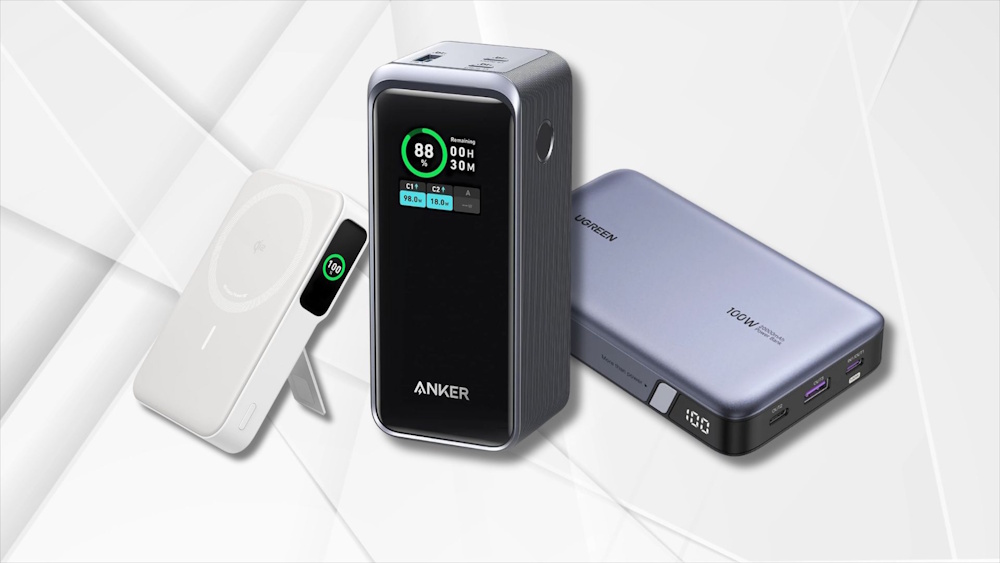

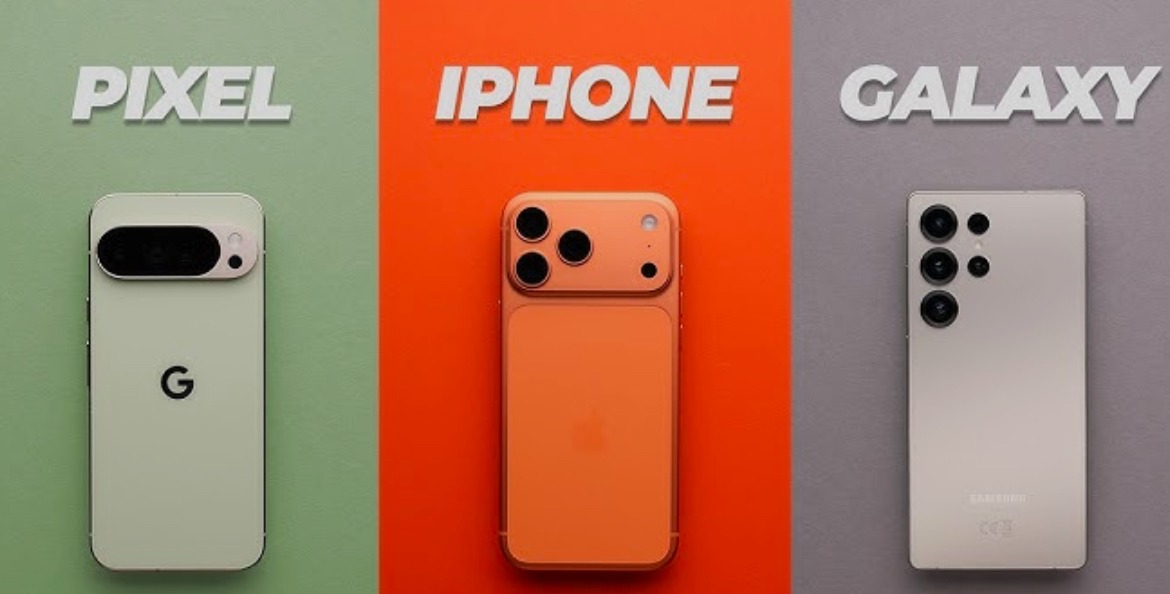
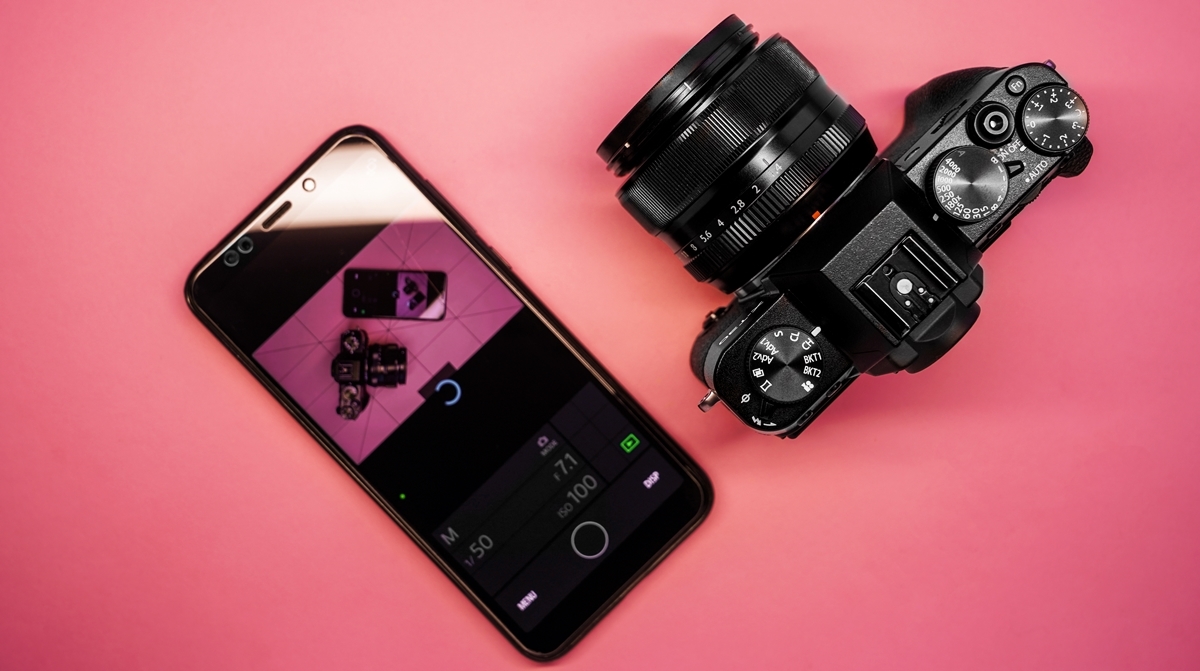
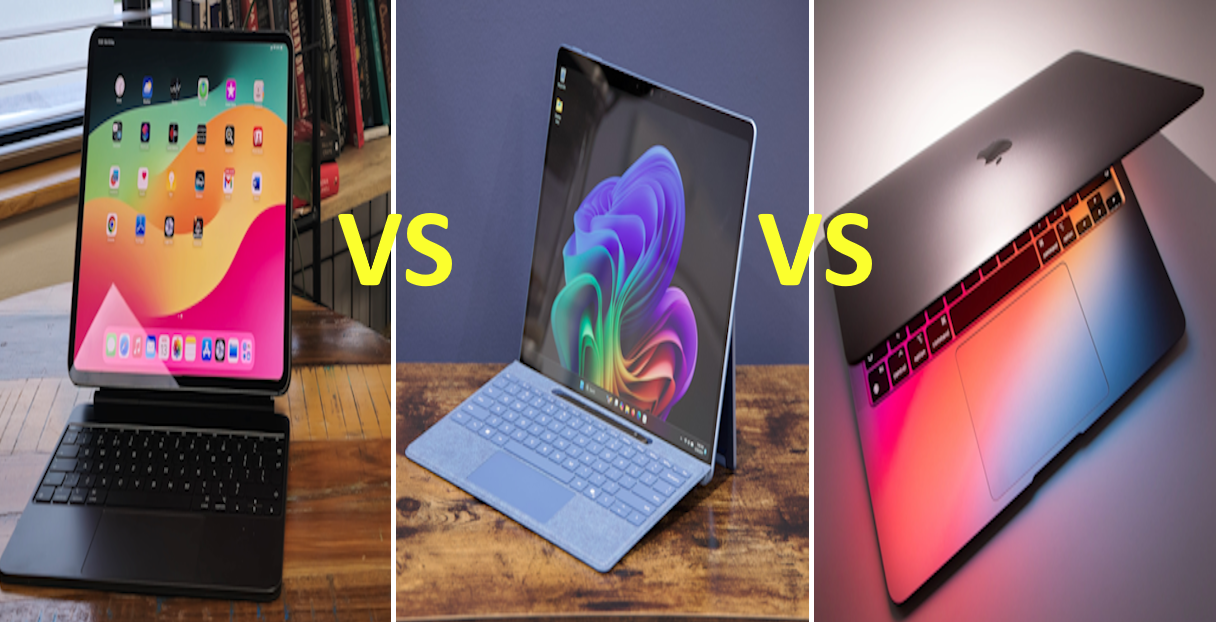



Tags
📧 Get More Articles Like This
Subscribe to receive product reviews and buying guides in your inbox!
We respect your privacy. Unsubscribe at any time.